 Free
FreeSponsored
 View on OnlyFans
Marli Alexa
TodayLast seen
Sponsored
1.6KPhotos▲ 9
74Videos±0
35Live±0
387.3KLikes▲ 2.5K
TodayLast seen
♥ 387,305Free
18+
findapeach.com is an adult site. It links to explicit creator pages and may show sexually explicit images. You must be 18 or older, or the age of majority where you live if that is higher, to come in.
No, take me outEntering confirms you are of legal age and that adult material is lawful where you are. Your answer is remembered in this browser only.

OnlyFans installs as a full app straight from your browser, free, in about a minute. The four taps are right here.
Already installed? Search creators by location, niche or photo.
Yes. OnlyFans runs as a full web app, and you can install it on your phone straight from the browser. Once installed it gets its own icon, opens full-screen and works like any other app: your feed, messages, subscriptions and payments all in one place.
App stores keep strict content rules, so OnlyFans delivers its complete experience through the web app, while its official store app, OFTV, focuses on free videos. Installing takes under a minute on both iPhone and Android, and the four taps for each are in the install card at the top of this page.
OFTV is the official OnlyFans app on the App Store and Google Play. It is free and streams original, safe-for-work videos from OnlyFans creators: fitness, cooking, comedy, travel and reality-style series. It is a great way to get to know creators and their personalities before you subscribe.
For everything else, the full OnlyFans app you installed above carries your subscriptions, messages and feed.
Quick answers to the most common OnlyFans app questions.
Yes. Installing the OnlyFans web app is free and creating an account is free. You only pay when you subscribe to a creator or buy pay-per-view content. OFTV is completely free.
OFTV is the official OnlyFans app in both stores and streams free, safe-for-work creator videos. The full OnlyFans app installs from your browser in about a minute using the steps above.
Yes. It is the same account and the same features. Installing it adds a home screen icon and a full-screen view, so it looks and feels like a native app.
Creators use the same app as fans. Posting, messaging and earnings stats all work in the installed web app.
OnlyFans search works best when you already know a creator's name. To discover new creators, the free FindaPeach app searches hundreds of thousands of active OnlyFans profiles by location, niche and even photo.
OnlyFans is where you follow creators. The free FindaPeach app is how you find them: search the most active OnlyFans creators by location, niche and photo. A single install works on both iPhone and Android.
FreeView on OnlyFans
 $6.99
$6.99
The biggest live index of active OnlyFans creators on the net, with hundreds of thousands of profiles updated every 48 hours, so you are always browsing live accounts.
Filter by country, state, city and metro with the most accurate location data anywhere. Find creators exactly where you are looking.
Hundreds of niches and attributes: body type, age, hair, content style and more. Combine them to land on exactly your type.
One tap surfaces the most popular creators around you, sorted by activity, which is handy when you want someone local.
Drop in a photo of a face and we show the most similar OnlyFans creators in the directory. It works as a free, private reverse image search.
Tap the heart on any creator to save them. Your wishlist syncs across devices so your shortlist is always with you.
The same powerful search, in your pocket.
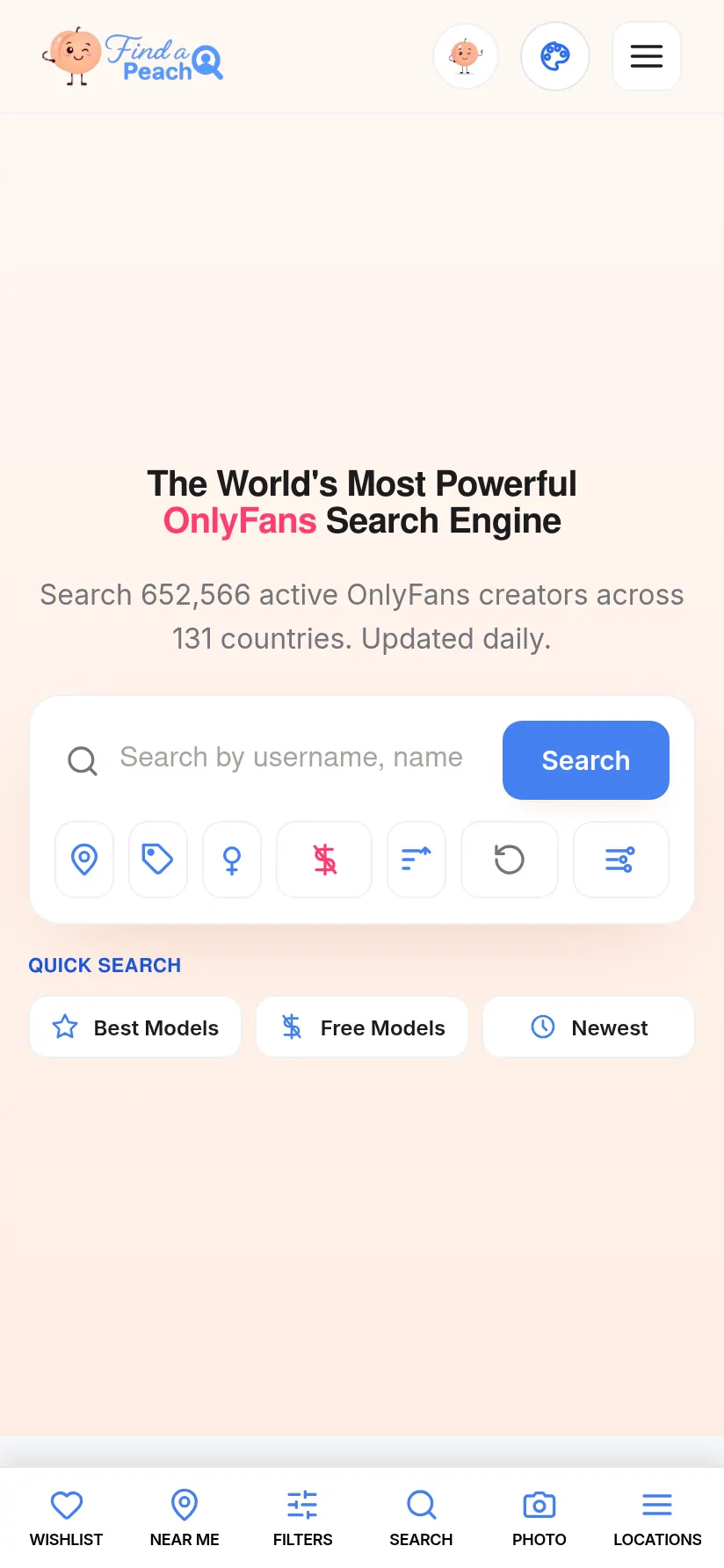
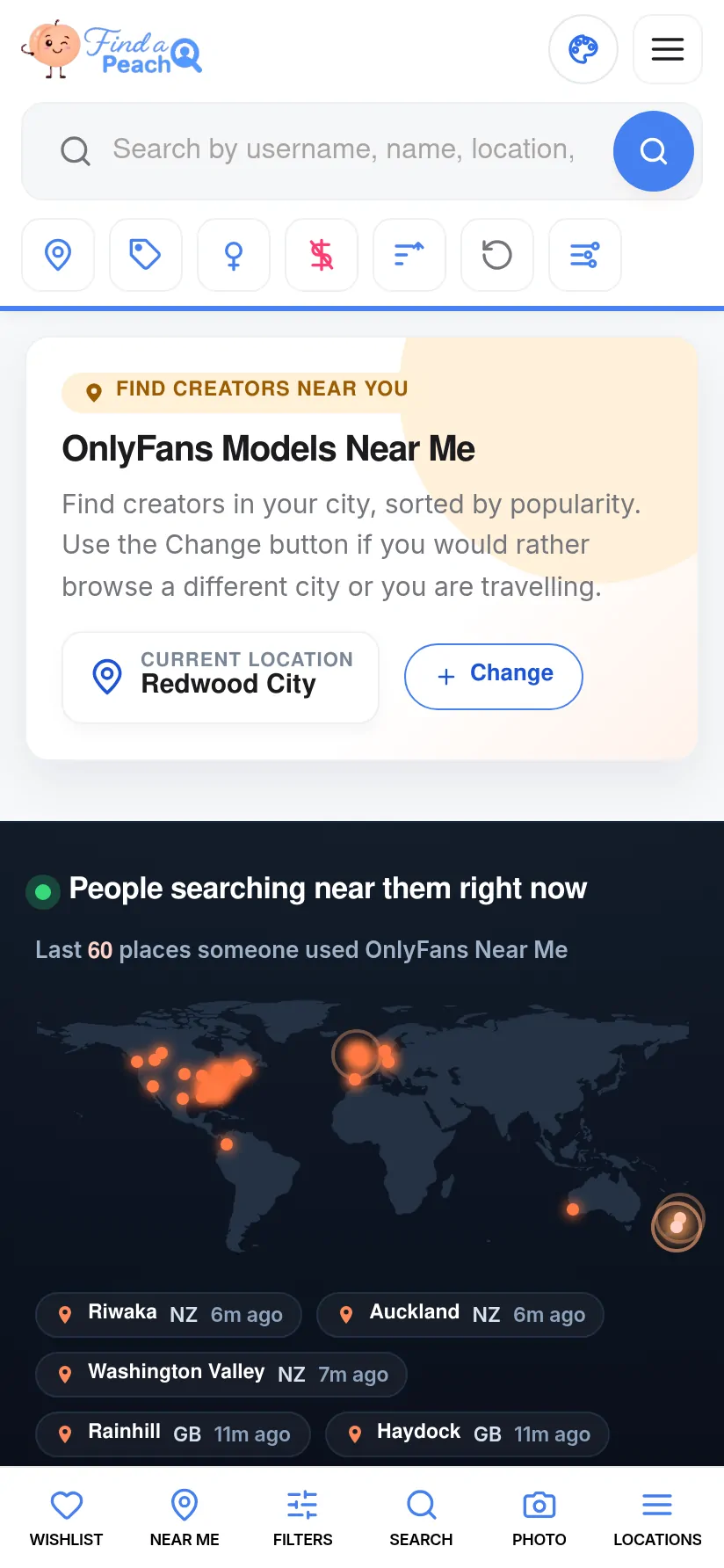
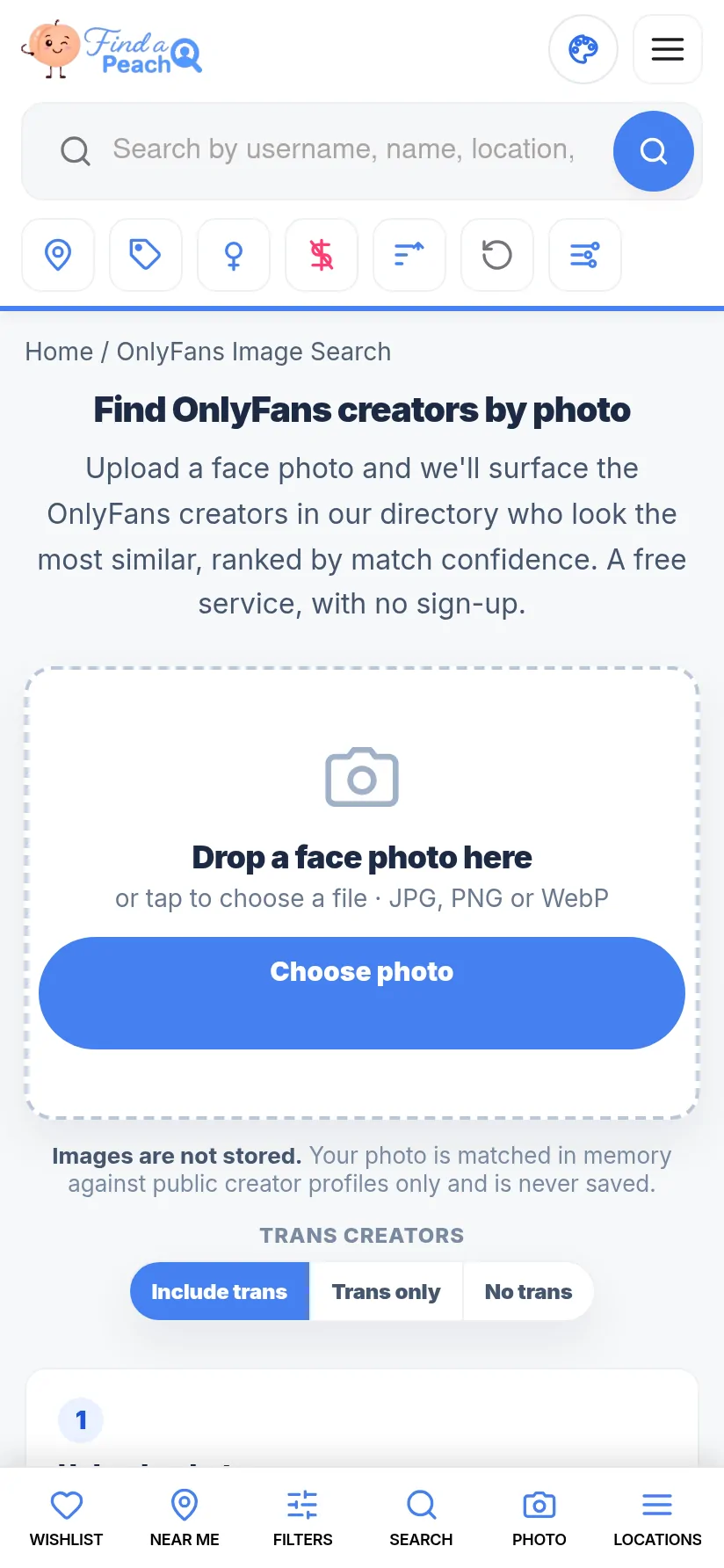
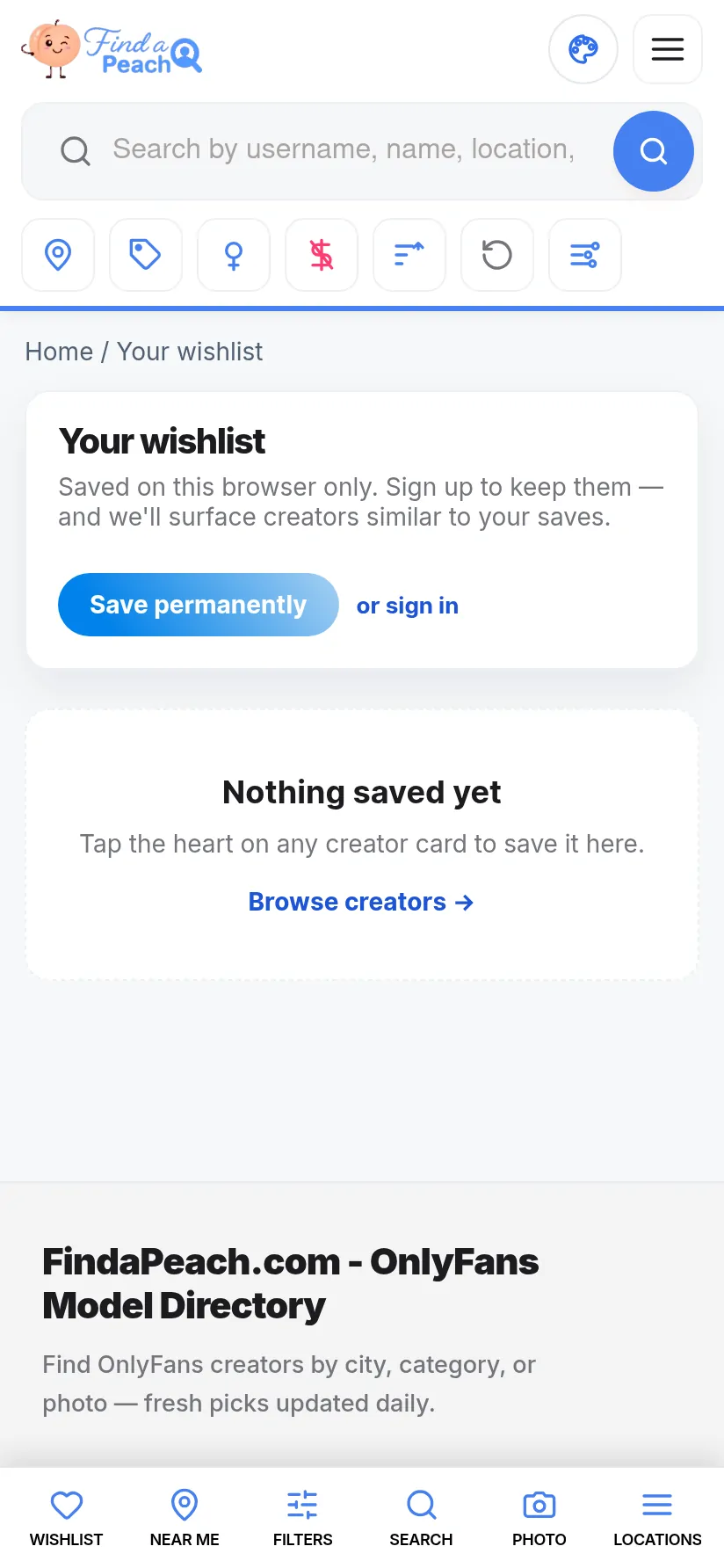
Install the free FindaPeach app and search the most active OnlyFans creators by location, niche and photo.
Your wishlist is saved in this browser only. Sign in to keep your saved creators on every device — an account is created for you the first time.
Continue with GoogleHave a password? Sign in with email